
Input Setup for Ansys APDL
There are many ways to access the APDL section of ansys from a previously existing model or script; this guide will go over one of the more popular methods for accessing APDL from a previous model. This method is typically used for multiple sims with same setup or scripting simulations, it is very convinent when sending simulations aswell.
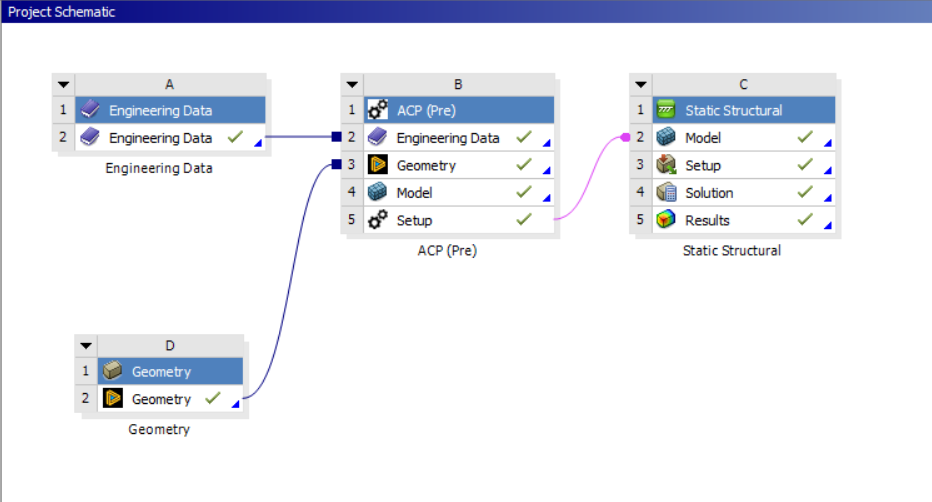
1. Have the Ansys workbench simulation up and an analysis applied, this one uses static structural :
2. Open Ansys Mechanical :
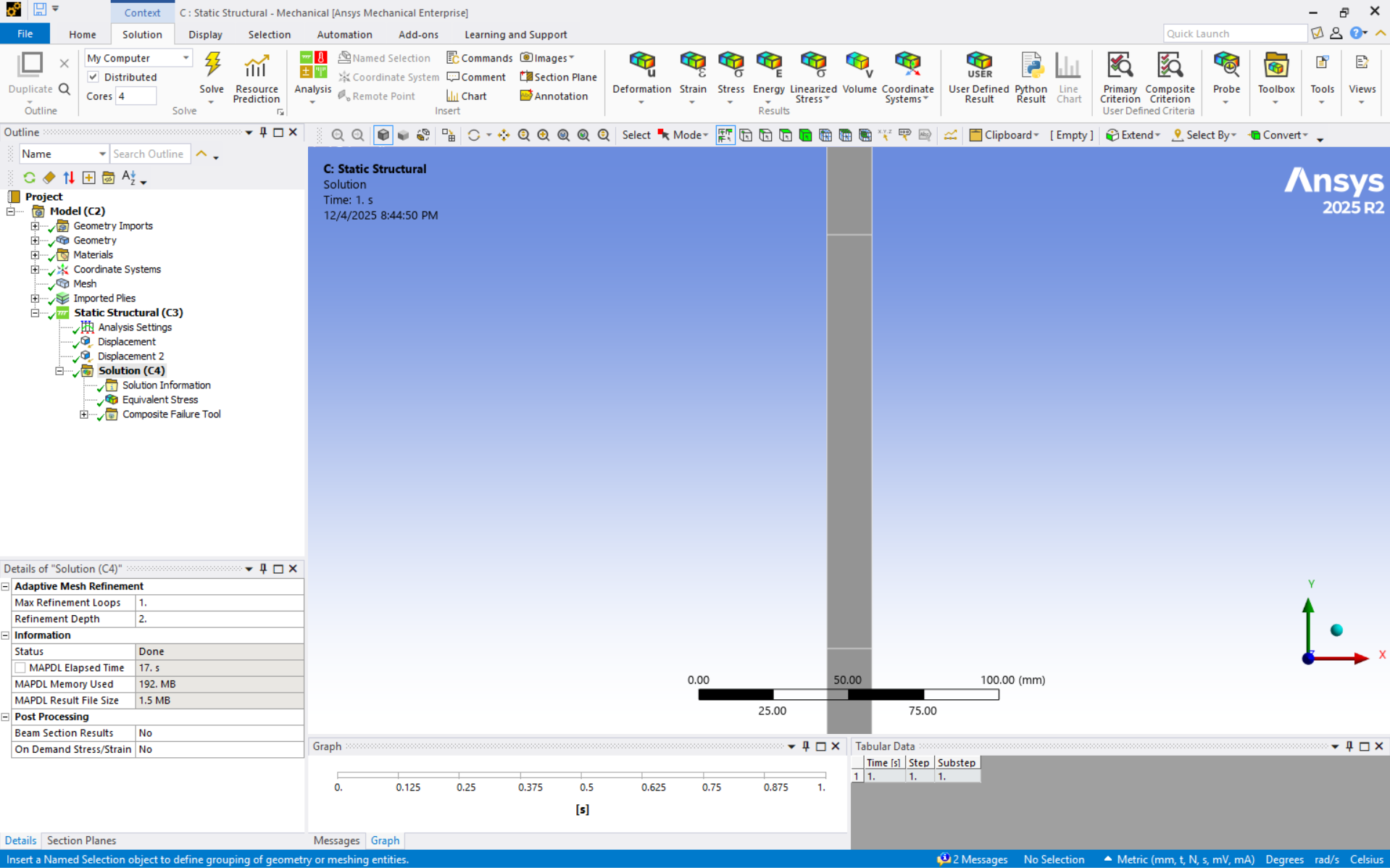
3. Go to the Environment tab in "Static Structural (C3)" or equivalent, and click on write input file. Save the input file as an ".inp" file :

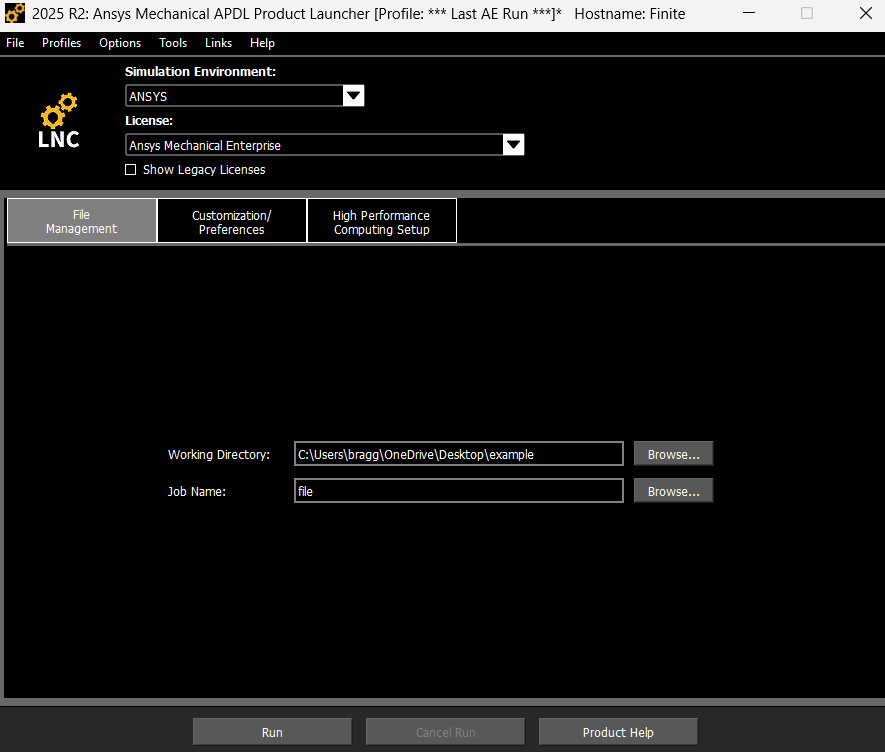
4. Open Ansys Mechanical APDL Product Laucher, choose your working directory, file name and run :
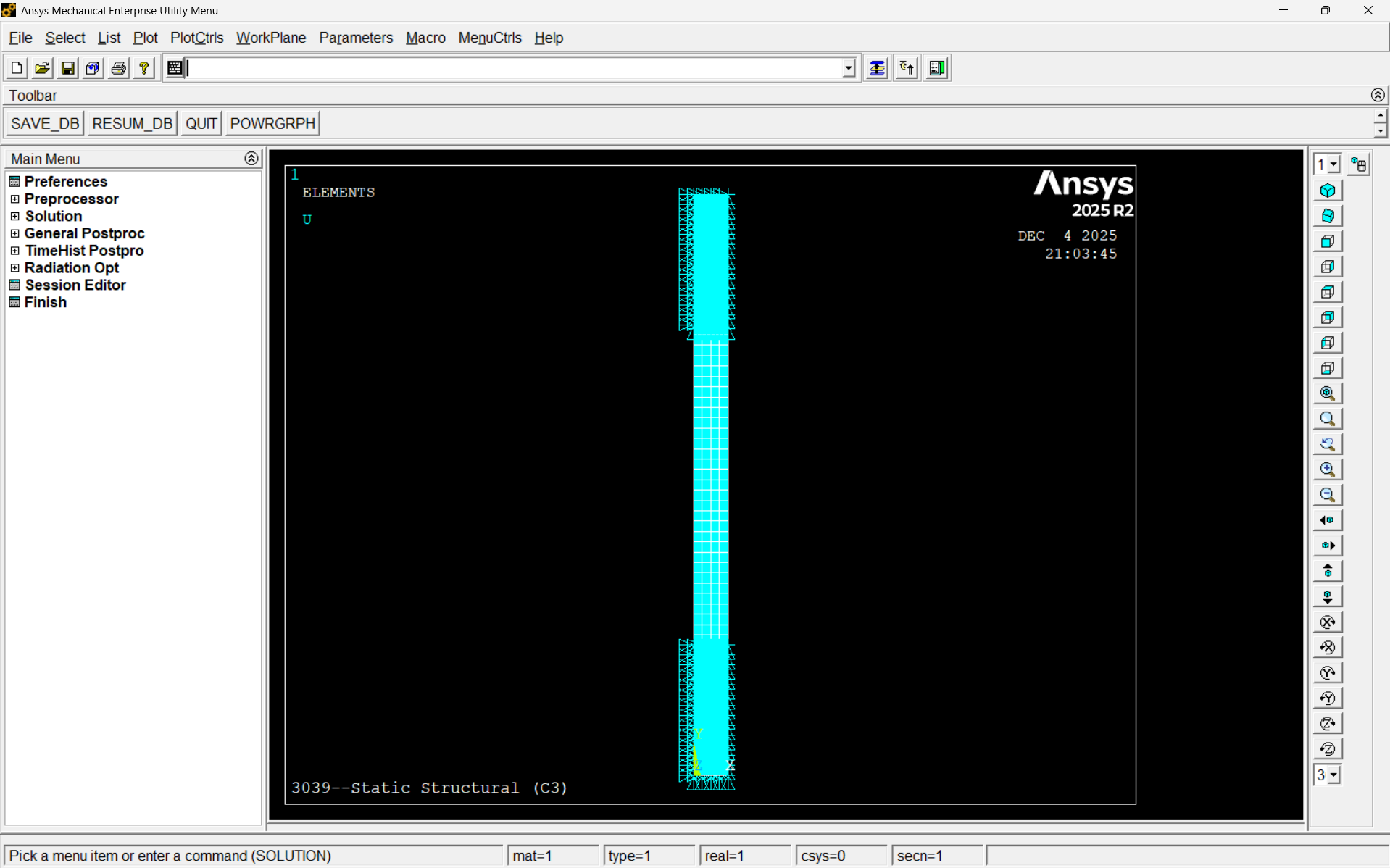
5. In Ansys APDL go to File>Read Input From ...> choose your input file, then type "EPLOT" in the command bar on the top. This will open your workbench simulation into ansys apdl, however there can be element, displacement, force, and node discrepancies between workbench to apdl (stuff workbench does not show you), so please check that everything is right using "DLIST, ELIST, NLIST, FLIST, SFLIST, SFELIST, and equivalent" - especially if you plan to script in apdl. APDL allow you to directly see how your model is operating using commands :
There are alot of weird particulars about this method, but that's for you to figure out :), GL
No comments to display
No comments to display